Deliver your film scans without a single WeTransfer.
PelliLabs connects the counter, the lab and your customers. Every envelope has its own gallery, branded for the shop: the scans land in it directly, and the customer gets their photos as soon as they're ready.
- Your paper envelopes stay the same
- Branded for your shop
- With or without a partner lab
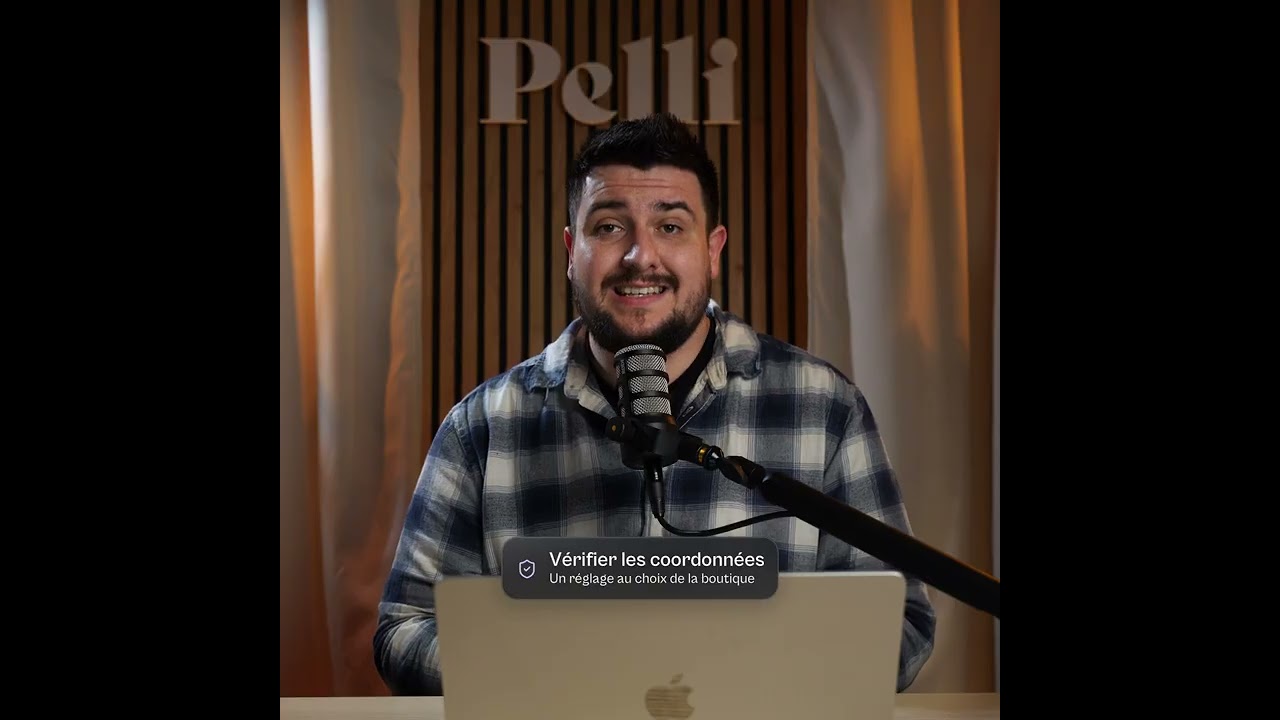
Photo shops and labs already deliver their scans with Pelli. PelliLabs is gradually opening to new partners.
WeTransfer was never built for film.
WeTransfer, Smash and other transfer services send files. They don't know what an envelope is, or a roll of film, or a returning customer.
Today
- One transfer per shop or per customer, with the address retyped every time
- Hundreds of files dragged in by hand, then the wait
- A link that expires before anyone opens it
- The name of a transfer service, not your shop's
- Scans nowhere to be found when the customer calls back three weeks later
With PelliLabs
- The day's scans uploaded in one go, and each envelope finds its gallery
- Rolls sorted into folders, just like at the lab
- The customer notified as soon as their photos are ready, or when you decide
- A gallery with your name, your logo and your message
- Every envelope found by its number, online for as long as you choose
One envelope, one gallery.
The same steps, whether you scan in the shop or your lab does it for you.
- 1
At the counter
The customer drops off their film. You enter the envelope number and, if you like, their name and email. No time? The paper envelope is enough.
- 2
Developing
The scans are uploaded in one go, in the shop or at the lab. Each envelope finds its gallery, each roll its folder.
- 3
Envelope ready
Once all the rolls are in, the gallery is ready. It goes out to the customer on its own, or you stay in control of sending it.
- 4
With the customer
They get a link from you, look through their photos and download the whole envelope at once, one folder per roll.

346138 — Camille Martin
October 16, 2026
View photos


Shop or lab, everyone saves time.
Choose your situation.
You develop and scan on site.
PelliLabs takes over as the scans come off the scanner: your customers get their photos without you sending them one by one.
No more sending one by one.
- Register the envelope at the counter, on a computer, tablet or phone: its gallery is created, ready for the scans.
- The customer can get a drop-off confirmation email, in your shop's name.
- Upload the scans from your workstation: each roll goes into its own folder.
- Customer back with a new roll? You'll find them in your customer list.
Your brand, from the counter to delivery.
Your logo, your colors, your message: a polished delivery worthy of your shop. The customer gets their photos from you, and it's you they come back to.
Your identity
Logo, colors, cover: your galleries use the settings from your Pelli account, with nothing to set up again.
Your message
The delivery email carries your shop's name and the text you choose. Replies come straight to you.
Your customers stay yours
The lab works behind the scenes: it doesn't appear to your customers and has no access to your customer list.

346138 — Camille Martin
October 16, 2026
View photosScans that don't get lost anymore.
Online for as long as you choose
You set the duration. The customer gets a reminder before the link expires.
Found in a moment
An envelope number or a name is all it takes to find a gallery and resend the link.
Tracked deliveries
You see whether the email was received and opened, and when the photos were downloaded.
Hosted in France
Your files are stored in Paris, with Scaleway, in line with GDPR.
Your questions
How do you send film scans to customers without WeTransfer?
With PelliLabs, each envelope has its own online gallery, branded for the shop. The scans are uploaded once, by the shop or by its lab, sorted by roll, and the customer gets a link to view them and download everything. No more sending them one by one, and no more links that expire without warning.
What software works for a photo lab that serves photo shops?
PelliLabs is built for exactly that: you import your list of shops once, then upload the day's folders. Each envelope goes into the right shop's gallery, in its branding, with no transfer to redo shop by shop.
Do we need to change our envelopes?
No. The number printed on your current envelopes is enough. Registering the envelope at the counter is a plus, never a requirement: a paper envelope arrives at the lab and finds its gallery the same way.
Do our customers need to create an account?
No. They get a link by email, view their photos and download them, with no password to remember.
What if the customer doesn't leave an email?
The paper envelope is enough. Its gallery is created when the scans arrive: you add their email later, or pass the link on yourself.
Will our lab see our customers?
No. It uploads the scans into the galleries of the envelopes you give it, and that's all: it has no access to your customer list or to your other galleries. Your customers see your shop, not the lab.
We're a lab: do our shops need to be on Pelli?
Yes, each shop has its own Pelli space: that's what lets it deliver to its customers under its own brand. We help you invite them, and together we work out the simplest plan for your network. Shops you create can start on the free plan: they receive your scans at no cost, and their galleries stay online for 10 days.
Our lab doesn't use Pelli. What can we do?
Tell us about them: we can help them upload straight to your account. In the meantime, you can upload the scans they send you yourself, sorted by envelope and by roll in the same way.
How long do the scans stay online?
You choose the duration, and the customer gets a reminder before it expires. We'll discuss it together based on your volumes.
We already use Pelli. What changes?
Your account, your galleries and your settings stay the same. PelliLabs adds envelope registration at the counter, scan uploads by envelope and by roll, and automatic delivery.
How much does it cost, and when can we start?
The price depends on your volumes and how you work. We talk about it in a first call, then send you a quote. PelliLabs is opening gradually: we'll also tell you when you can start.
PelliLabs, on your computer.
Already have a lab account? Install PelliLabs, sign in and choose your scans folder.
Version 0.2.8
For Windows
Windows 10 or later
Download for Windows · 64-bitOther Windows versions
The Windows installer is currently unsigned. A security confirmation may appear.
Pricing that fits your volumes.
A few rolls a week or hundreds a day, with or without a lab: every business is different. Tell us how you work, we'll talk it through together and send you a quote.
What we'll talk about
- How many rolls you handle, normally and in peak season
- How you work: on site, with a lab, or both
- How long you'd like scans to stay online
- Getting set up with your lab or your shops
Prefer to talk it over by phone?
+33 2 55 99 59 78